Hi, what do you want to do?






Curated OER
Tests and Technology: The Tools Your Students Will Need
Tips for teachers and students as they navigate the new world of computer-based standardized assessments.

Annenberg Foundation
America's History in the Making: Using Digital Technologies
How can digital technology of today link us to the events of the past? Scholars use technology to uncover the vast number of historical resources available in lesson 12 of a 22-part America's History in the Making series. Using databases...

EVSC Cats
How to Create Documents in a Shared Google Drive Folder
Help your class join you in Google Drive with this how-to page that focuses on creating shared folders. A combination of images and words guide learners through the various steps to take to create a document in a shared folder. More...

Curriculum Corner
Passwords to Remember
Do your kids have a hard time keeping track of their passwords? Use a graphic organizer to have them list the names of websites and corresponding passwords.

Other
Essdack: Tammy's Technology Tips for Teachers
Tammy's Technology Tips for Teachers provides a variety of helpful computer activities, presentations, web sites, and resources of use to educators teaching kindergarten to 8th grade.
Education Development Center
Edc: Lessons for One to One Initiatives
This article presents the do's and don'ts for adopting a one-to-one laptop initiative.
Other
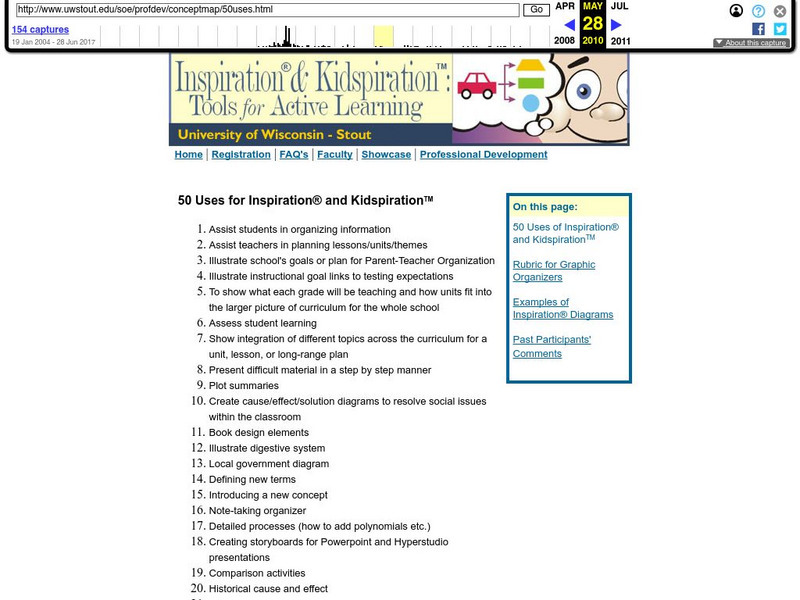
Inspiration and Kidspiration: University of Wisconsin
This site features Kidspiration and Inspiration tools for active learning. Students and teachers will benefit from this comprehensive list of 50 different ways to use inspiration and kidspiration in the classroom and beyond.
Other
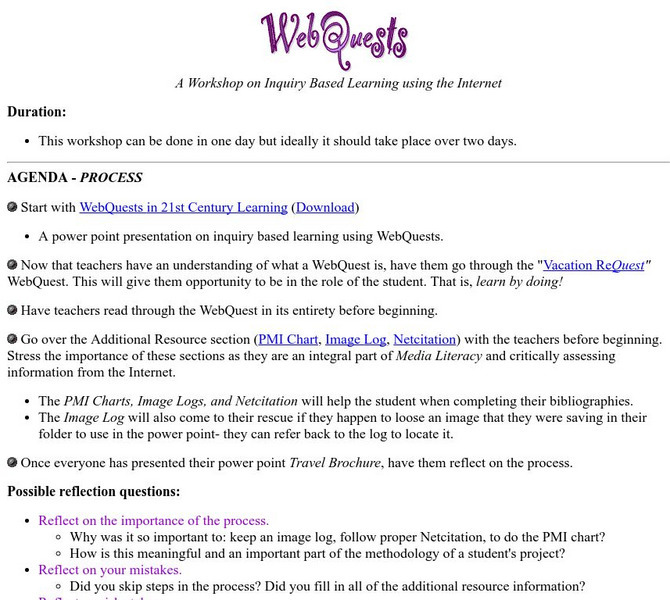
A Workshop on Inquiry Based Learning Using the Internet
This site is a workshop on inquiry-based learning using the Internet.