Hi, what do you want to do?






Curated OER
A Shapely Activity
Fifth graders explore polygons in various shape activities. In this polygons lesson, 5th graders discuss and identify polygons by their number of sides. Students sort ceramic tiles by the number of sides on each piece. Students explore...

Story It
Write-on Shapes: Flower
For this online shape activity learning exercise, students color the shapes online and print out the copy. Students may use the shapes for writing poems, word lists, reports, vocabulary words, and other activities.

Curated OER
The Beluga Whale, Otters
In these internet activity worksheets, students complete research related to the Beluga Whale and otters. Student are able to answer questions by following directions to help them navigate around a website.

Curated OER
Let's Learn about Symmetry
Students explore symmetry in architecture. In this cross curriculum art and architecture lesson plan, students fold paper to illustrate symmetry and identify symmetrical and asymmetrical shapes. Students observe...

Curated OER
Poison Boxes
Students utilize the Poison Boxes activity on The Nature Park is used to practice the recognition of 2D shapes and their properties. They utilize a mathematics educational software program to gain practice.

Curated OER
The Bear Facts
Students explore various kinds of bears and gather information about them. In this research and habitats lesson, students chart their bear information on large posters with illustrations of their bears. Students map the...

Curated OER
Line and Design
With photography as the focus, students learn about line and design. Learners take pictures, and use the photos as a means to analyze artistic elements.

Curated OER
"Finding Your Sweet Tooth"--An Introduction to the Dichotomous Key
Sixth graders classify candy according to observable characteristics. They use a dichotomous key to identify their bag of "treats." Thus, describe how dichotomous keys help to the identifying of organisms. Design a self-generated...
Department of Defense
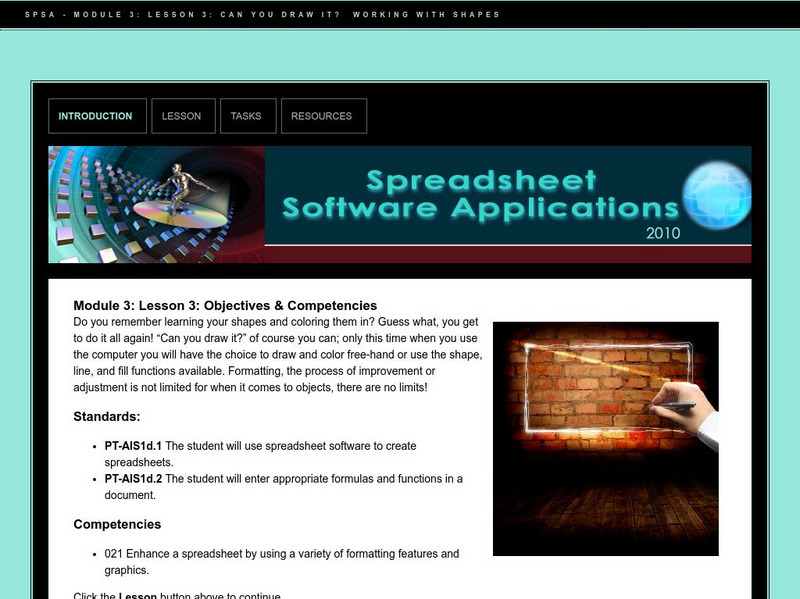
Do Dea: Spreadsheet Software: M3: L3: Can You Draw It? Working With Shapes
In Module 3 Lesson 3 of this course on spreadsheets, students learn how to insert shapes into a spreadsheet and enhance them by resizing, rotating, changing line width, adding color and text, etc. Includes slideshow tutorials.