Hi, what do you want to do?






Texas Instruments
Texas Instruments: Getting Started With the Ti Navigator: Discount Savings
This lesson is intended to help students develop an understanding of sale information to compute discounts, discount rates, original prices and sale prices.

Texas Instruments
Texas Instruments: Using Cbr and Ti Navigator to Create a Regression Equation
In this activity, students generate data points using the CBR and store them as lists. Then, transfer the lists to the Activity Center to be graphed. The students will attempt to come up with a suitable regression equation.

Texas Instruments
Texas Instruments: Getting Started With the Ti Navigator: Equations of My Road
This lesson introduces students to the use of a map of an area, a neighborhood, a favorite city, or an amusement park, to determine the slope of a specific road. Students will find the slope of a line using a coordinate plane.
Texas Instruments
Texas Instruments: Math Today for Ti Navigator System More of u.s.
Using the USA TODAY Snapshot, "More of U.S.," students will learn how to interpret data presented in a graphical form. Students will determine the rate of change (slope) and build a linear model (y = mx + b) from this data. The model...

Texas Instruments
Texas Instruments: Getting Started With the Ti Navigator: Coordinate Graphing
This lesson introduces students to Activity Center and is intended to help students develop an initial conceptual understanding of how to plot a set of points using a coordinate grid and to create lists to represent the ordered pairs for...
Texas Instruments
Texas Instruments: Math Today for Ti Navigator System Humidity Makes Air Feel
Using data from the USA TODAY graphic "Humidity makes air feel hotter" students will explore linear functions to determine how well they model the relationship between air temperature and heat index. When the model has been determined...
Texas Instruments
Texas Instruments: Math Today for Ti Navigator System Cropland Value Grows
Students will create a scatter plot for the data in the USA TODAY Snapshot, "Cropland value grows," and identify the independent and dependent variables for the data. The students will find the rate of change for the data and label this...
Texas Instruments
Texas Instruments: Getting Started With the Ti Navigator: Exploring Change
This activity introduces students to Activity Center. In this activity, students will explore change in the context of cellular telephone charges. Students will create a scatter plot showing that the rate per minute for a "pay as you go"...

Texas Instruments
Texas Instruments: Getting Started With Ti Navigator: Parallel and Perpendicular
This lesson introduces students to Activity Center and is intended to help students interpret whether lines are parallel or perpendicular. [Requires Adobe Reader.]
Texas Instruments
Texas Instruments: Math Today for Ti Navigator System Super Ticket Sales
Students will create two box-and-whisker plots of the data in the USA TODAY Snapshot, "Super ticket sales". Students will calculate central tendencies for both sets of data. Students will compare the two sets of data by analyzing the...

Texas Instruments
Texas Instruments: Getting Started With the Ti Navigator: Picks Theorem
This lesson introduces students to Activity Center and is intended to help students interpret representations of functions of two variables. The Activity Center will be used to investigate equations that represent a company's income,...

Texas Instruments
Texas Instruments: Getting Started With Ti Navigator: Exploring Linear Model
This lesson introduces students' to Activity Center. In this activity, students will explore data on Women's Olympic 400 Meter Freestyle Swimming records. Concepts of domain and range will be investigated in the context of this problem...
Texas Instruments
Texas Instruments: Getting Started With the Ti Navigator: Population Change
This lesson introduces students to Activity Center and is intended to help students develop the understanding of how use population information to compute populations, changes and to develop population models to make predictions.
Texas Instruments
Texas Instruments: Math Today for Ti Navigator System Paying College Tuition
Students will write exponential equations based on the percent of increase of college costs and will graph and interpret these equations. Students will then use an inflationary equation based on the USA TODAY Snapshot, "Paying college...
Texas Instruments
Texas Instruments: Math Today for Ti Navigator System College Costs Surge
During this activity, students will explore the expected cost of college and also look at methods of saving money for the future. Comparing simple and compound interest will help students make decisions about their future. Students will...
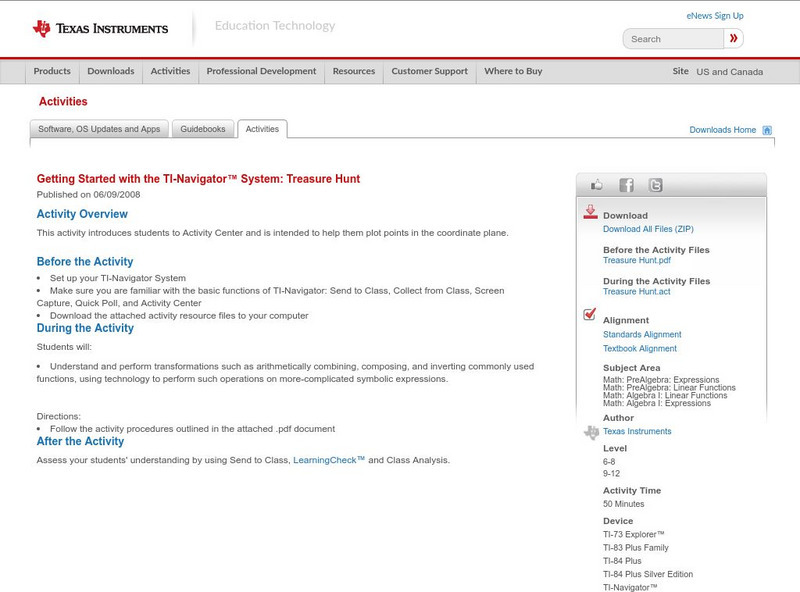
Texas Instruments
Texas Instruments: Getting Started With the Ti Navigator System: Treasure Hunt
This introduces students to Activity Center and is intended to help students plot points in the coordinate plane.

Texas Instruments
Texas Instruments: Exploring Geometric Probability Using Ti Navigator
In this activity students will contribute a set of random points to a graph of a circle of radius 1 inscribed in a square. They will estimate the area of the circle using geometric probability.
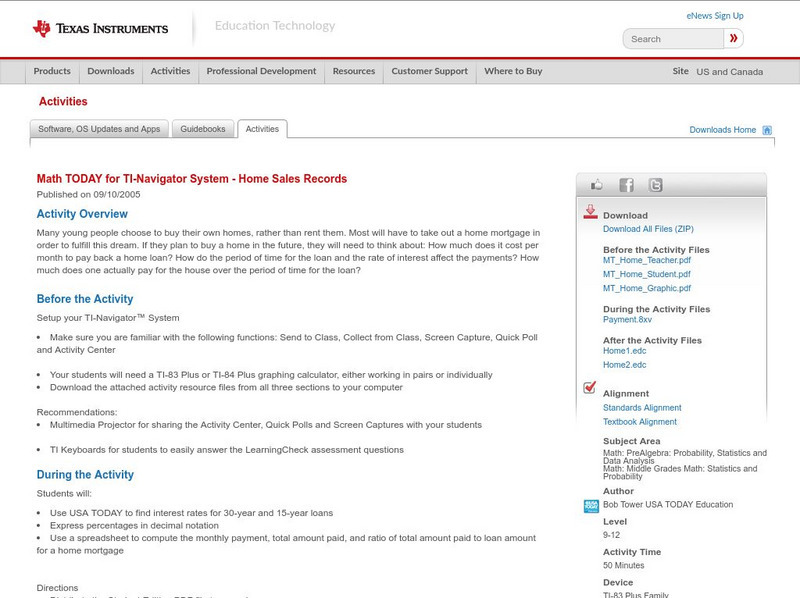
Texas Instruments
Texas Instruments: Math Today for Ti Navigator System Home Sales Records
Many young people choose to buy their own homes, rather than rent them. Most will have to take out a home mortgage in order to fulfill this dream. If they plan to buy a home in the future, they will need to think about: How much does it...
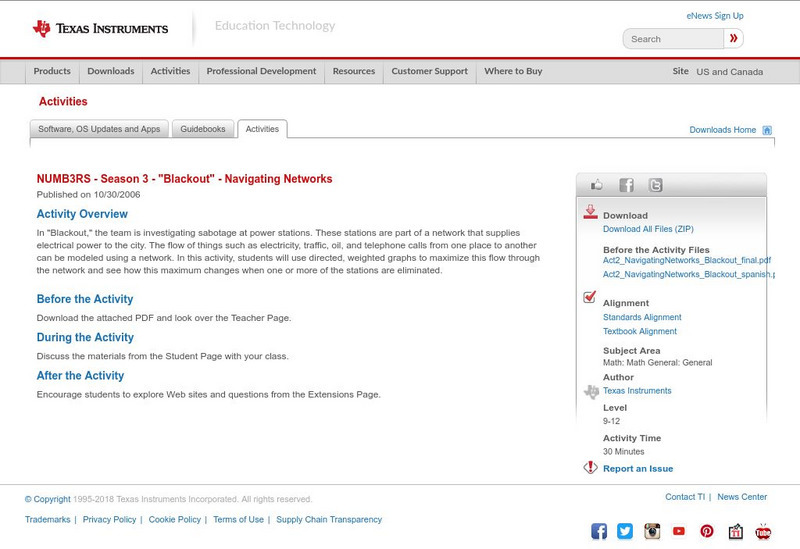
Texas Instruments
Texas Instruments: Numb3 Rs: Navigating Networks
Based off of the hit television show NUMB3RS, this lesson has students analyze different networks to determine the maximum flow rate of each network. This is done in the context of power plants supplying the community with electricity....
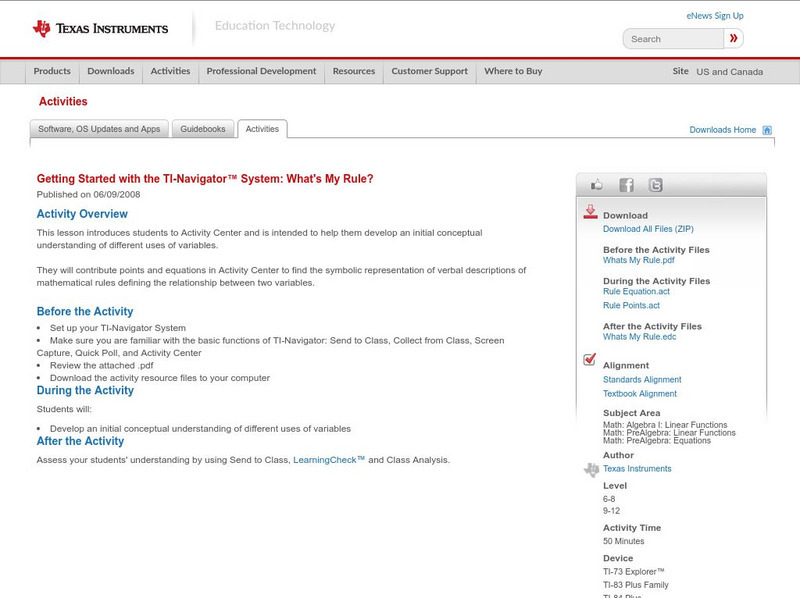
Texas Instruments
Texas Instruments: Getting Started With the Ti Navigator: What's My Rule
This lesson introduces studes to Activity Center and is intended to help students develop an initial conceptual understanding of different uses of variables. They will contribute points and equations in Activity Center to find the...
Texas Instruments
Texas Instruments: Getting Started With the Ti Navigator System: River of Life
This lesson introduces students to Activity Center and is intended to help students develop the conceptual understanding of how to identify functions as linear or nonlinear and contrast their properties from tables, graphs, or equations.

Texas Instruments
Texas Instruments: Getting Started With the Ti Navigator System: Phone Card
This lesson introduces students to Activity Center and is intended to help students develop an initial conceptual understanding of how to represent, analyze, and generalize patterns with tables.
Texas Instruments
Texas Instruments: Getting Started With Ti Navigator: Compound Interest
This lesson introduces students' to Activity Center. In this lesson, students will explore the effect of compound interest on the amount of an investment over time. Students will work in small groups (or individually) to calculate...
Texas Instruments
Texas Instruments: Navigating Dc by Angles
Students can use a map of Washington, DC, to travel to/from different tourist locations using vertical angles, corresponding angles, alternate interior angles, alternate exterior angles, same-side interior angles, and linear pairs.