Hi, what do you want to do?





Texas Instruments
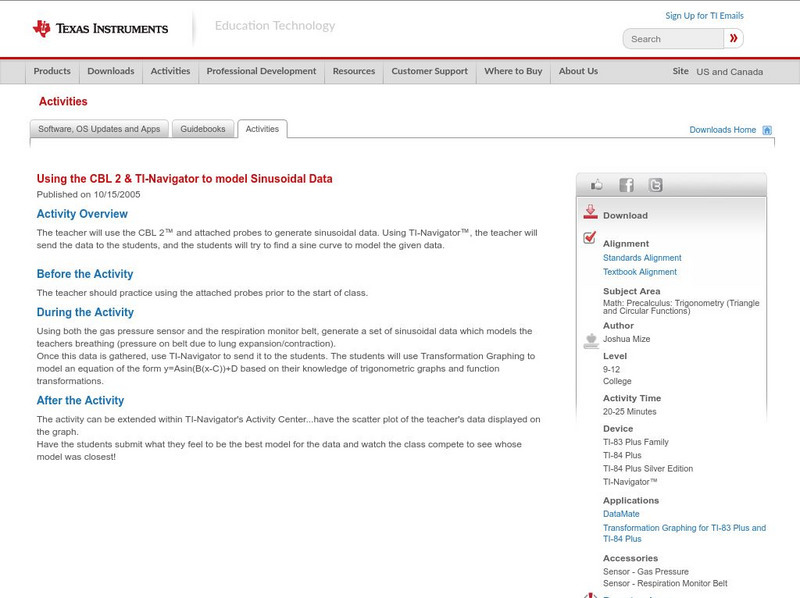
Texas Instruments: Using the Cbl 2 & Ti Navigator to Model Sinusoidal Data
The teacher will use the CBL 2 and attached probes to generate sinusoidal data. Using TI-Navigator, the teacher will send the data to the students, and the students will try to find a sine curve to model the given data.
Texas Instruments
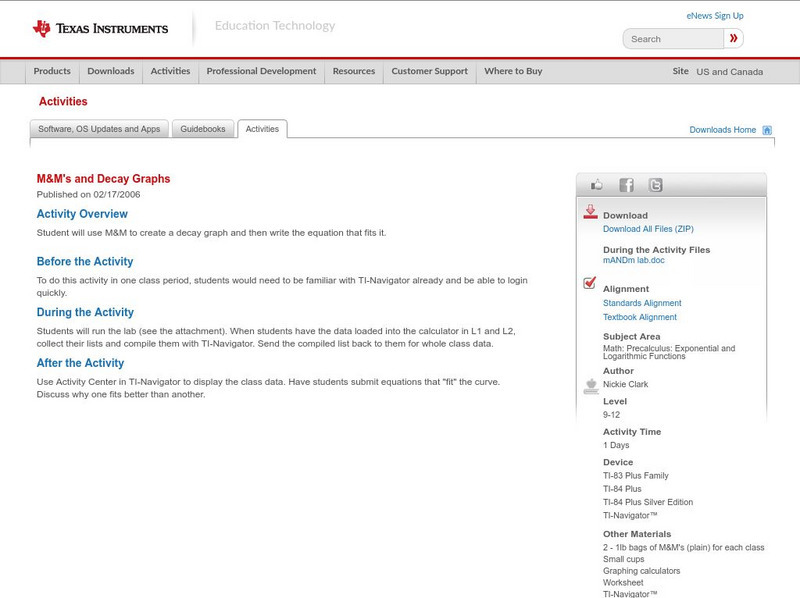
Texas Instruments: M&m's and Decay Graphs
Observe exponential decay with the classic M&M lab, here written up and ready to go. At the end, the author intends for students to send equations and data to the teacher via TI-Navigator, but this step can done on paper if the...
Texas Instruments
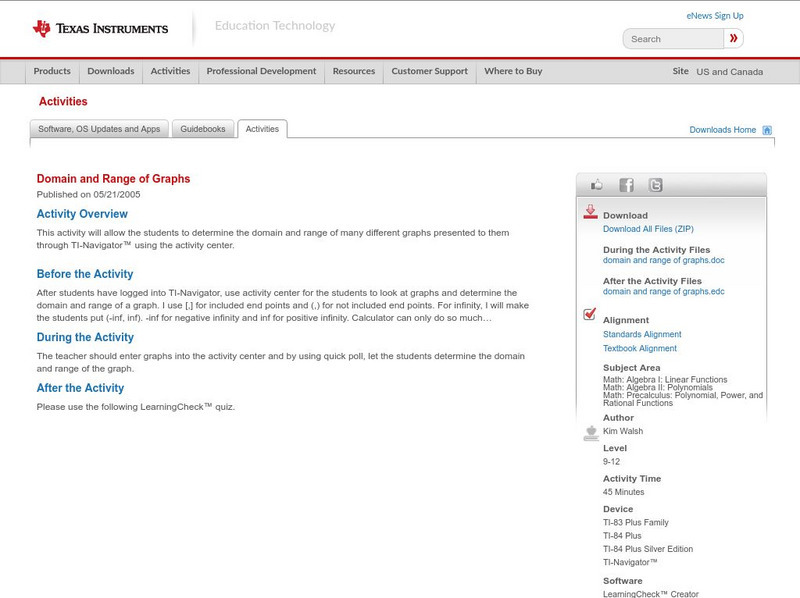
Texas Instruments: Domain and Range of Graphs
This activity will allow the students to determine the domain and range of many different graphs presented to them through TI-Navigator using the activity center.
Texas Instruments
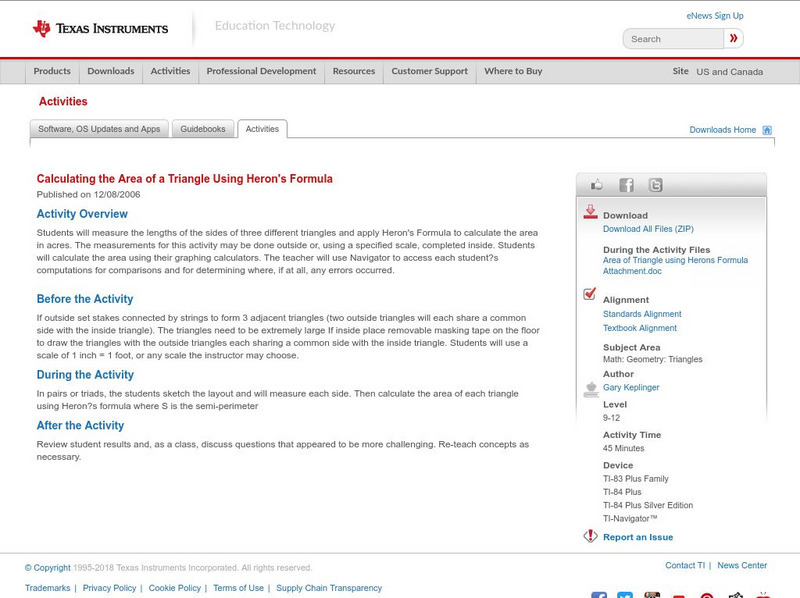
Texas Instruments: Calculating the Area of a Triangle Using Heron's Formula
Students will measure the lengths of the sides of three different triangles and apply Heron's Formula to calculate the area in acres. The measurements for this activity may be done outside or, using a specified scale, completed inside....
Texas Instruments
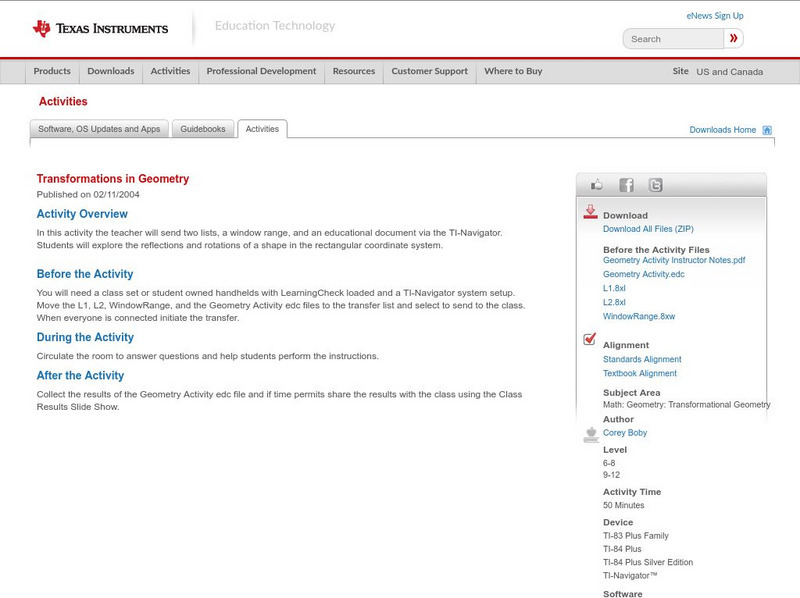
Texas Instruments: Transformations in Geometry
In this activity the teacher will send two lists, a window range, and an educational document via the TI-Navigator. Students will explore the reflections and rotations of a shape in the rectangular coordinate system.
Texas Instruments
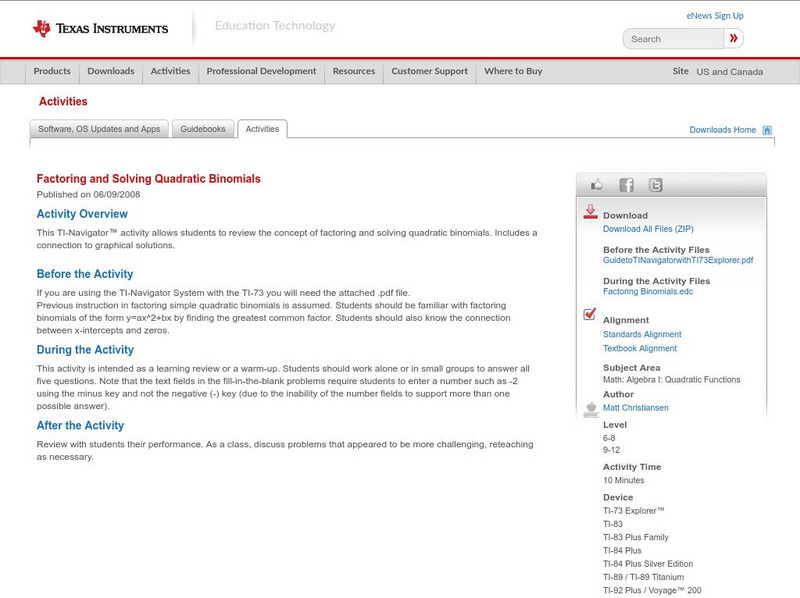
Texas Instruments: Factoring and Solving Quadratic Binomials
This TI-Navigator activity allows students to review the concept of factoring and solving quadratic binomials. Includes a connection to graphical solutions.
Texas Instruments
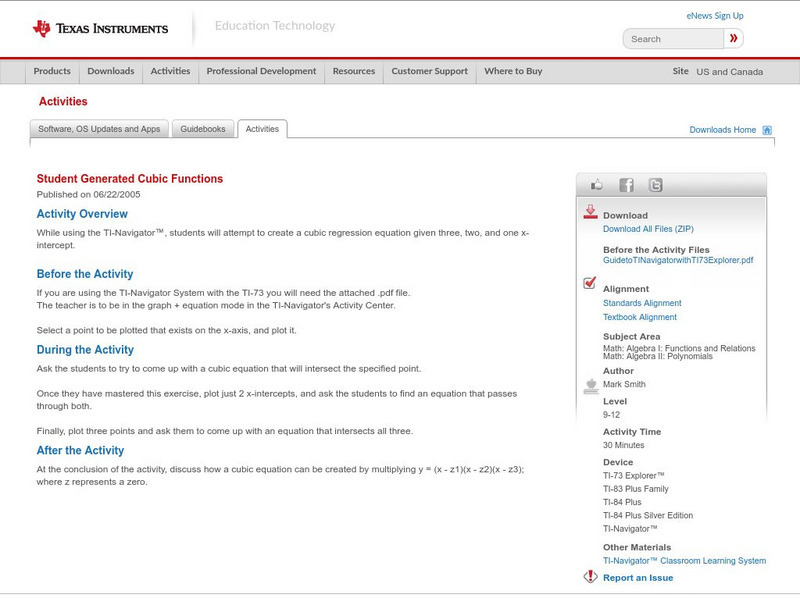
Texas Instruments: Student Generated Cubic Functions
While using the TI-Navigator, students will attempt to create a cubic regression equation given three, two, and one x-intercept.
Texas Instruments
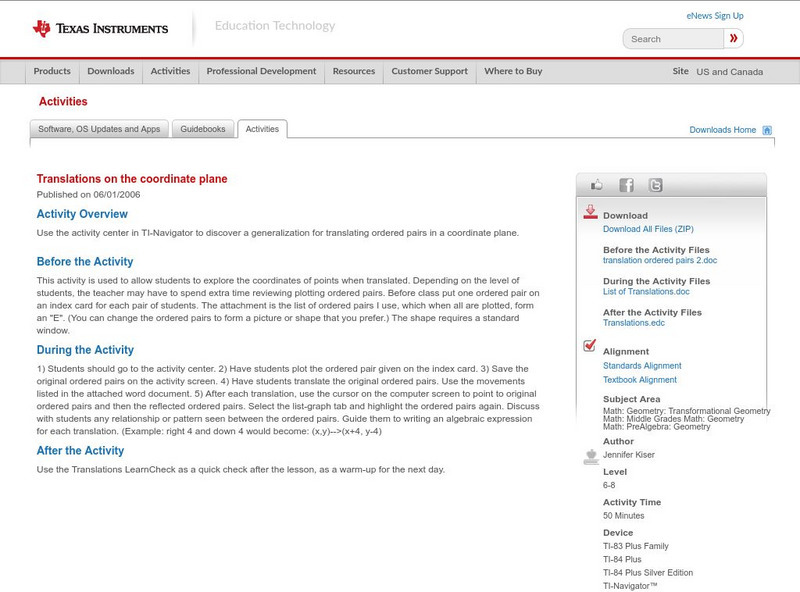
Texas Instruments: Translations on the Coordinate Plane
Use the activity center in TI-Navigator to discover a generalization for translating ordered pairs in a coordinate plane.
Texas Instruments
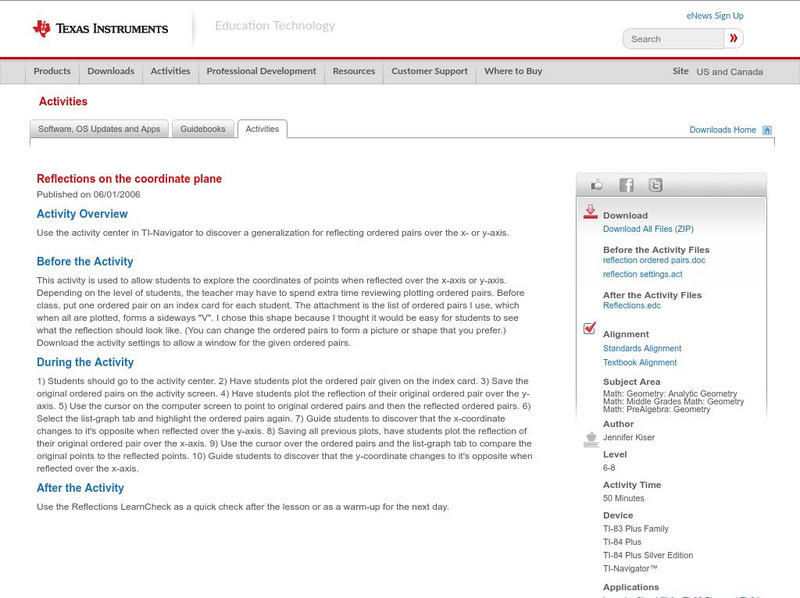
Texas Instruments: Reflections on the Coordinate Plane
Use the activity center in TI-Navigator to discover a generalization for reflecting ordered pairs over the x- or y-axis.
Texas Instruments
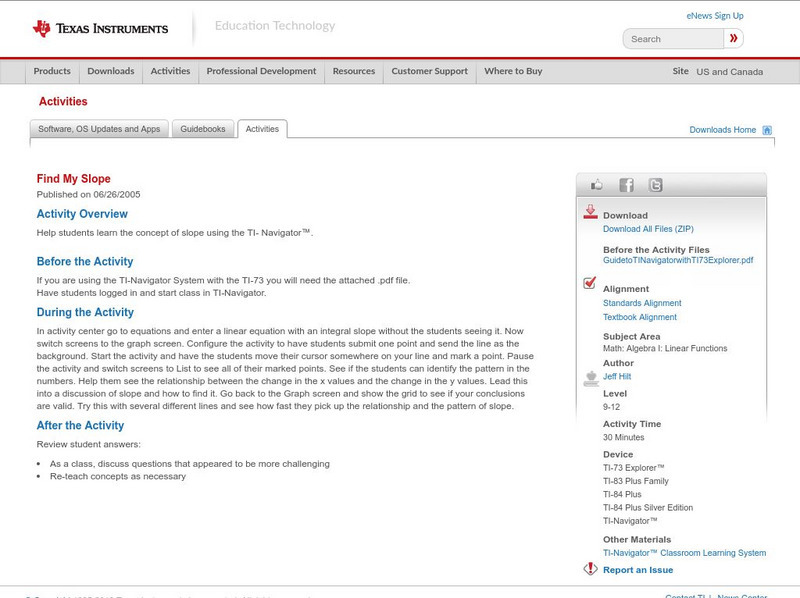
Texas Instruments: Find My Slope
Help students learn the concept of slope using the TI- Navigator.
Texas Instruments
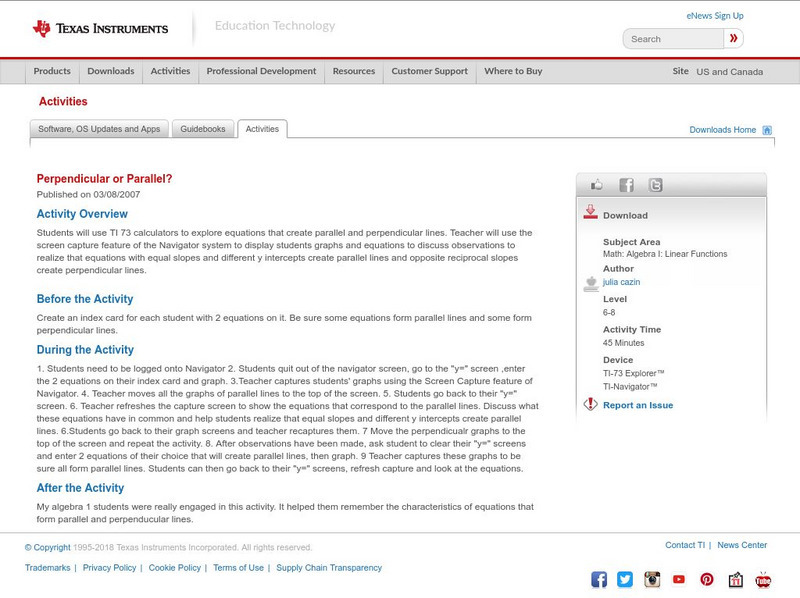
Texas Instruments: Perpendicular or Parallel?
Students can use TI 73 calculators to explore equations that create parallel and perpendicular lines. Teacher will use the screen capture feature of the Navigator system to display students graphs and equations to discuss observations to...
Texas Instruments
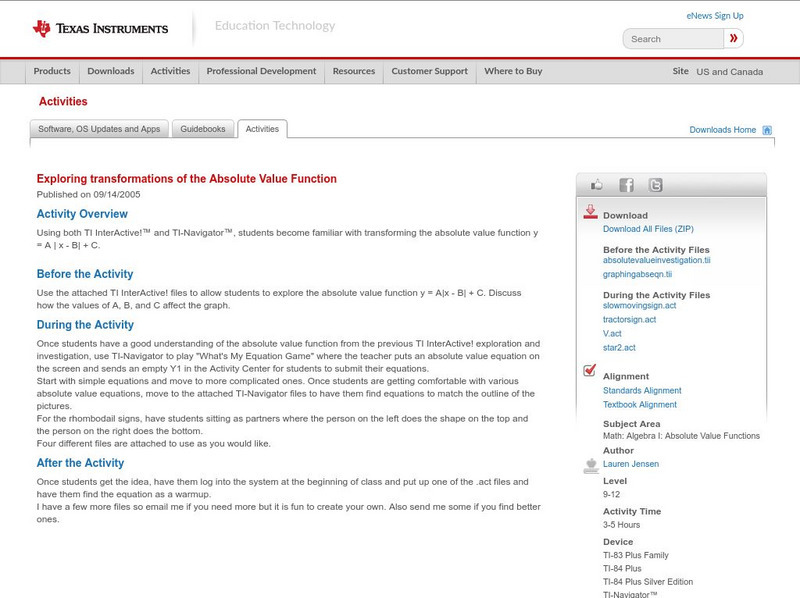
Texas Instruments: Exploring Transformations of the Absolute Value Function
Using both TI InterActive! and TI-Navigator, students become familiar with transforming the absolute value function y = A | x - B| + C.
Texas Instruments
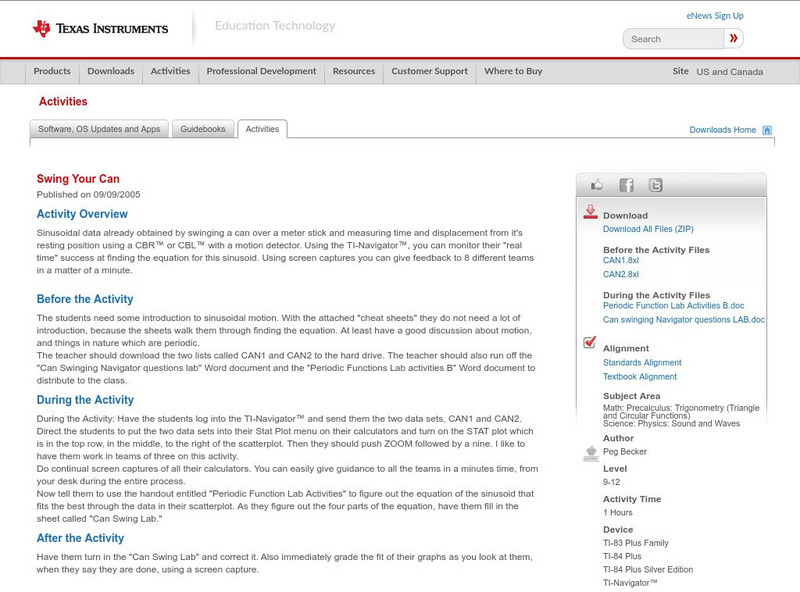
Texas Instruments: Swing Your Can
Sinusoidal data already obtained by swinging a can over a meter stick and measuring time and displacement from its resting position using a CBR or CBL with a motion detector. Using the TI-Navigator, you can monitor their "real time"...
Texas Instruments
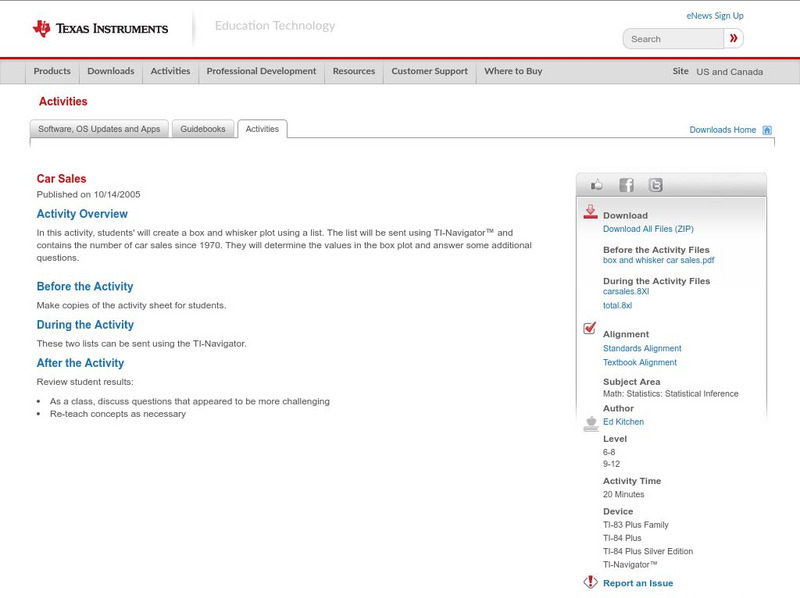
Texas Instruments: Car Sales
In this activity, students will create a box and whisker plot using a list. The list will be sent using TI-Navigator and contains the number of car sales since 1970. They will determine the values in the box plot and answer some...
Texas Instruments
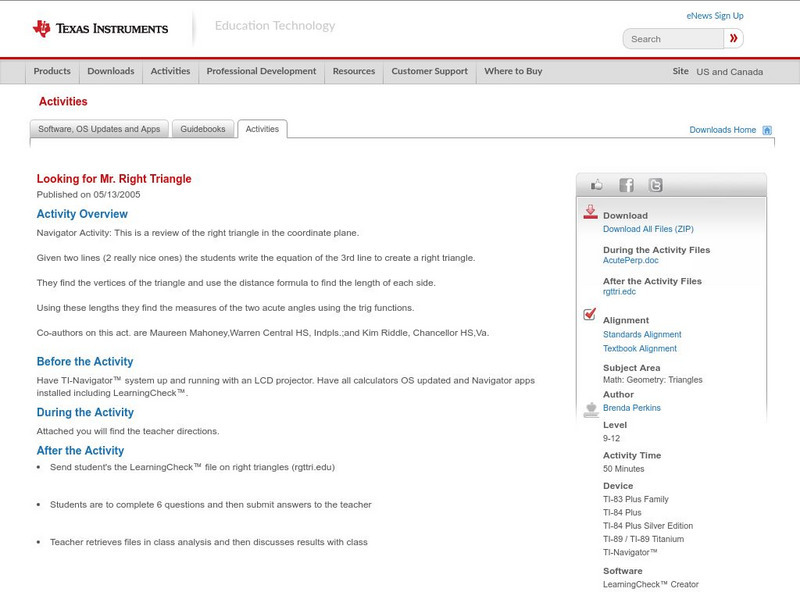
Texas Instruments: Looking for Mr. Right Triangle
Navigator Activity: This is a review of the right triangle in the coordinate plane. Given two lines (2 really nice ones) the students write the equation of the 3rd line to create a right triangle. They find the vertices of the triangle...

Texas Instruments
Texas Instruments: Classifying Quadrilaterals
Students will be sent ordered pairs through lists using the TI-Navigator. These pairs will then be graphed as a line graph and students will classify the shape of the quadrilateral and justify their choice.

Texas Instruments
Texas Instruments: Discovering Pi
Students will measure the circumference and diameter of round objects. They will send in their measurements through TI-Navigator and discover the relationship between the circumference and diameter.
Texas Instruments
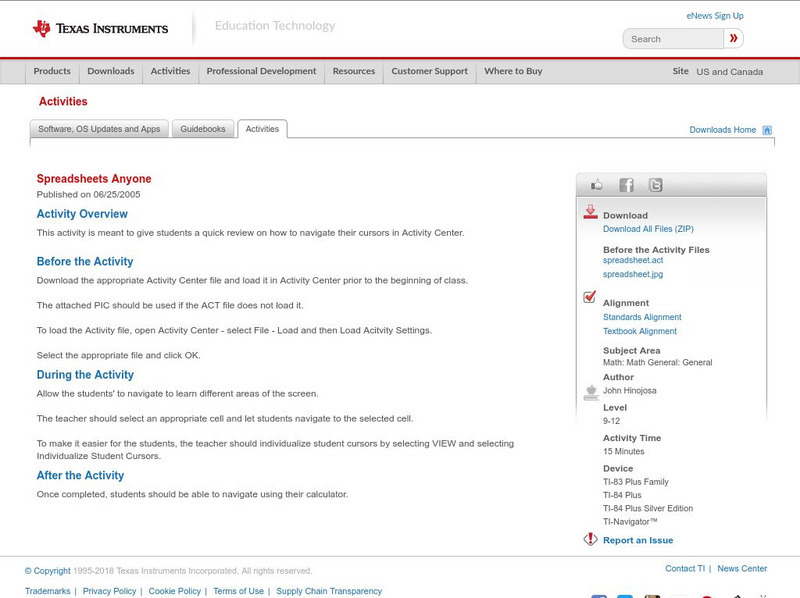
Texas Instruments: Spreadsheets Anyone
This activity is meant to give students a quick review on how to navigate their cursors in Activity Center.
Texas Instruments
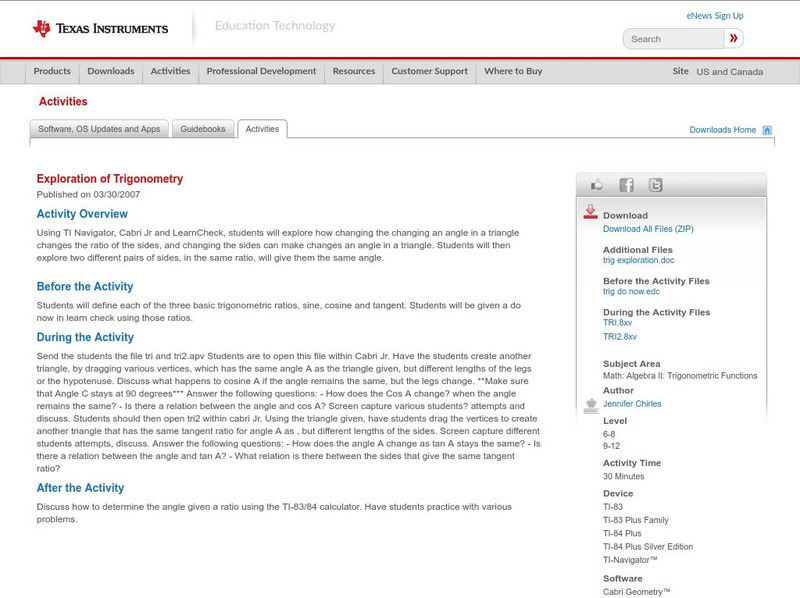
Texas Instruments: Exploration of Trigonometry
Using TI Navigator, Cabri Jr and LearnCheck, students will explore how changing an angle in a triangle changes the ratio of the sides, and changing the sides can make changes an angle in a triangle. Students will then explore two...
Texas Instruments
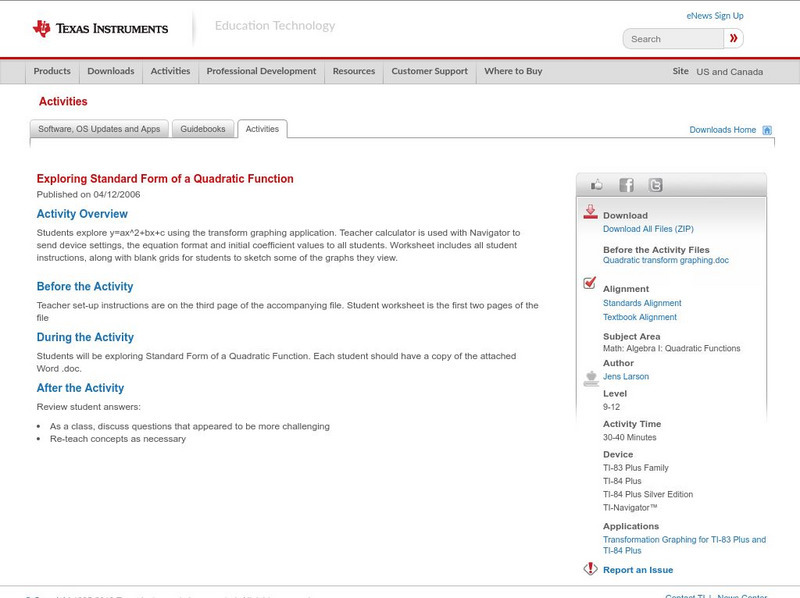
Texas Instruments: Exploring Standard Form of a Quadratic Function
Students explore y=ax^2+bx+c using the transform graphing application. Teacher calculator is used with Navigator to send device settings, the equation format and initial coefficient values to all students. Worksheet includes all student...
Texas Instruments
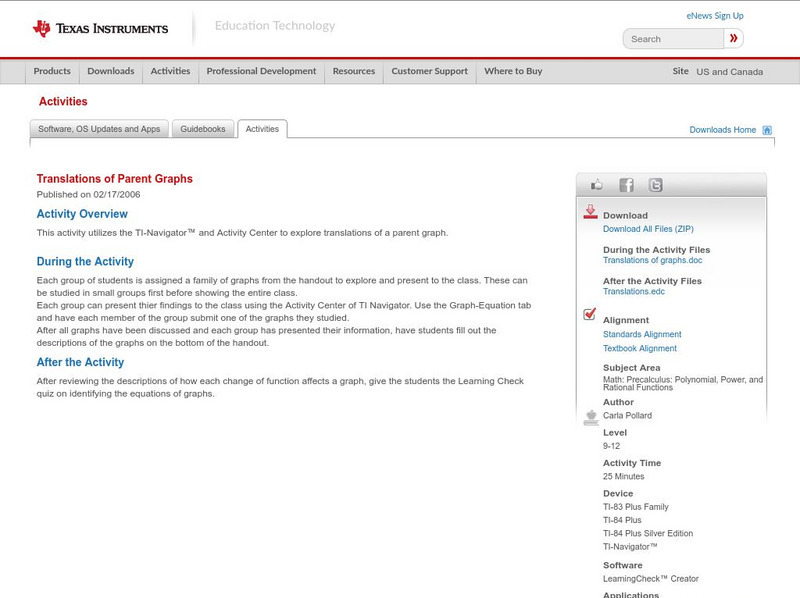
Texas Instruments: Translations of Parent Graphs
This activity utilizes the TI-Navigator and Activity Center to explore translations of a parent graph.
Texas Instruments
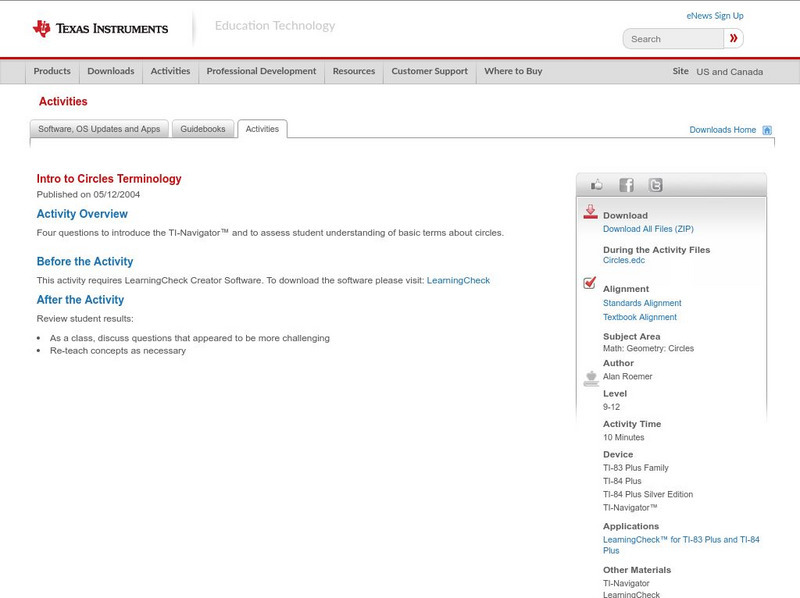
Texas Instruments: Intro to Circles Terminology
Four questions to introduce the TI-Navigator and to assess student understanding of basic terms about circles.

Texas Instruments
Texas Instruments: Match the Graph (Linear And/or Absolute Value)
The students will follow instructions on slope and linear functions, with playing match the graph on the TI-Navigator. Several digital pictures are provided, or you could find your own!
Texas Instruments
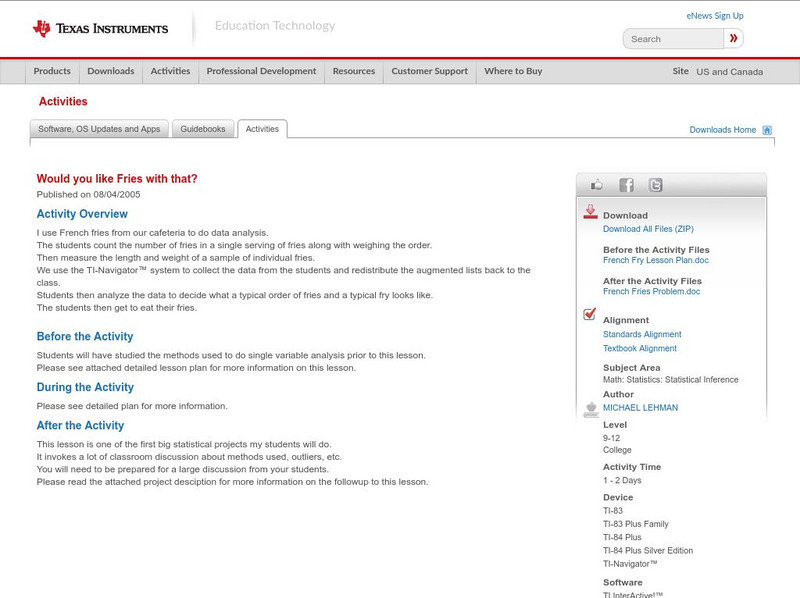
Texas Instruments: Would You Like Fries With That?
French fries from your cafeteria to do data analysis. The students count the number of fries in a single serving of fries along with weighing the order, then measure the length and weight of a sample of individual fries. You then use the...