Hi, what do you want to do?






Common Sense Media
Common Sense Media: Education: Lesson: We the Digital Citizens
[Free Registration/Login Required] In this lesson, 2nd graders explore the amazing possibilities that come with using technology. They'll also learn from the Digital Citizens, who take a pledge to be safe, responsible, and respectful...
University of California
Knight Digital Media Center: Adobe Premiere
In this tutorial, you will learn the operation of the editing program Adobe Premiere.
Other
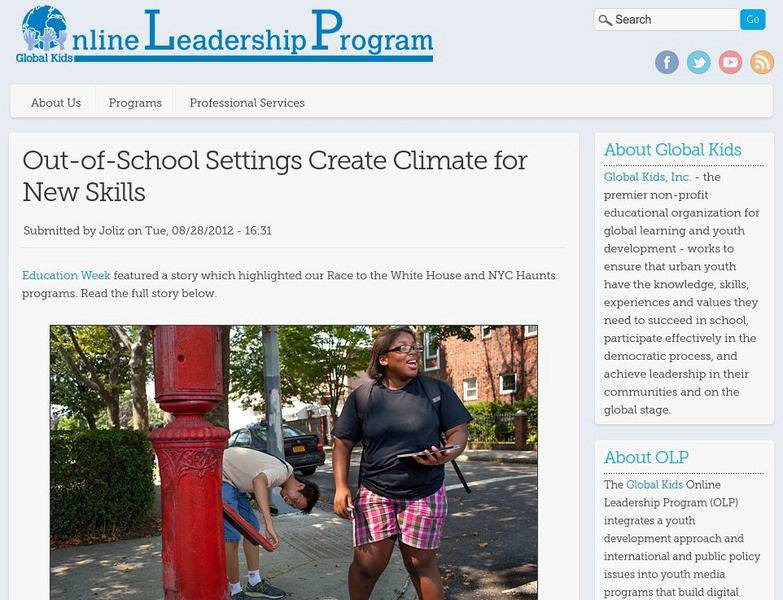
Global Kids' Digital Media Initiative
One 21st Century way of helping students stay in touch with the real world is to utilize technology. There are several online leadership projects for classrooms to use.
Goodwill
Gcf Global: Being a Good Digital Citizen
No matter where you go online, being a good digital citizen can make your experience smoother and safer. Thankfully, you can become a better digital citizen by following the simple steps outlined in this tutorial. [2:39]
Common Sense Media
Common Sense Media: Education: Lesson: Putting a Stop to Online Meanness
[Free Registration/Login Required] The internet is filled with all kinds of interesting people, but sometimes, some of them can be mean to each other. With this role play, help your students understand why it's often easier to be mean...
REMC Association of Michigan
Remc Association of Michigan: 21 Things4 Students: 17. Creative Communications
Communication involves listening and speaking as well as reading and writing clearly and creatively, and technology provides opportunities for expressing yourself digitally. In these Quests, students learn about different software...

Alabama Learning Exchange
Alex: Weapons of World War I
The students will use the Internet and the school's media center to discover the weapons of World War I. They will compare and contrast the weapons used during that time period with the weapons that are used in warfare today. At the...
Other
Katinka Matson: Artist's Statement
A site that shows images of flowers and other natural objects imported to the computer using a flatbed scanner and then printed as artwork. Read the artist's statement, then click on "Prints" at the top to see her work.