Hi, what do you want to do?






Teach Engineering
Seeing All Sides: Orthographic Drawing
How can your draw three-dimensional figures on paper? The lesson shows pupils how to draw orthographic projections of three-dimensional figures composed of cubes. After viewing a PowerPoint presentation, they practice this skill with...

Illustrative Mathematics
Overlapping Squares
The objective of this activity is to find the percent of the area of a two squares overlapping. Mathematicians find the ratio of area for the part that overlaps to the rectangle formed. The final answer is a percent as a rate per 100....

Teach Engineering
Circuits and Magnetic Fields
Have your class use compasses to try to find the magnetic field around an electric current. Groups use the same technique to visualize magnetic fields as they did in the second activity in the series, but this time, the field is...

DiscoverE
LIDAR: Mapping with Lasers
We would be lost without maps! How are they made? Introduce junior topographers to LIDAR technology with a fascinating activity. Set up a mock city, then have learners operate a laser measure to determine the shape of the landscape using...

Illustrative Mathematics
Toilet Roll
Potty humor is always a big hit with the school-age crowd, and potty algebra takes this topic to a whole new level. Here the class develops a model that connects the dimensions (radii, paper thickness, and length of paper) of a...

Curated OER
Task: Grain Storage
Farming is full of mathematics, and it provides numerous real-world examples for young mathematicians to study. Here, we look at a cylinder-shaped storage silo that has one flat side. Given certain dimensions, students need to determine...

Teach Engineering
Connect the Dots: Isometric Drawing and Coded Plans
Individuals discover how to draw cubes on triangle-dot paper. They use cubes to build structures and draw corresponding isometric drawings on dot paper in the second lesson of the series of five. The activity also introduces the concept...
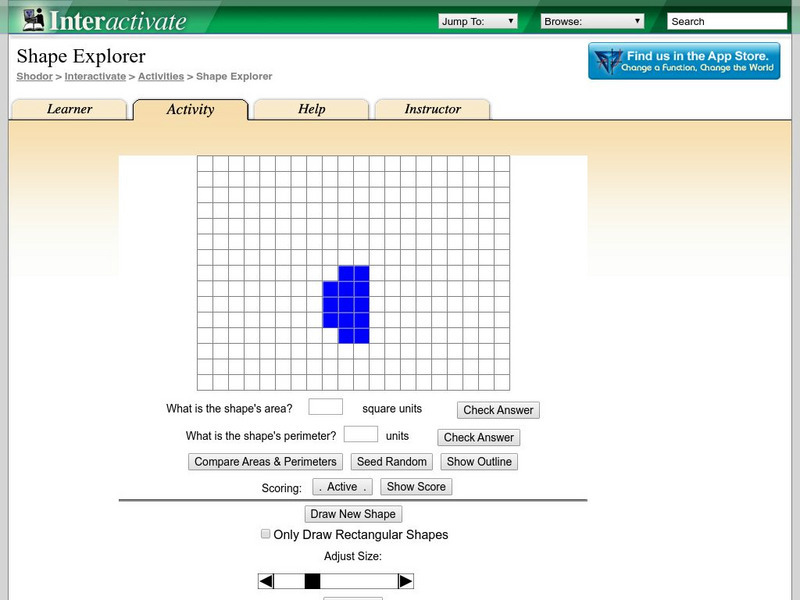
Shodor Education Foundation
Shodor Interactivate: Shape Explorer: Area and Perimeter
An applet activity that provides an exercise in working with perimeter and area of 2D objects. The user is given a random figure and allowed to enter a value for the area and perimeter. Use the "How" and the "Why" button to assist you....